
Thread Rating:
  • 0 Vote(s) - 0 Average
  • 1
  • 2
  • 3
  • 4
  • 5
Problem with UCM3
#1
   
I have had the Alphawerks RPI in for around 5 years, The connection to Home Assistant dies every few weeks so I decided to try to upgrade the  Commute module. I was unsuccesful in getting to mount the module in windows, though numerous restarts. After giving up I put it all back how it was now I get a UCM3 Communication error that I cant clear as you see theres a red light on the bottom row that wont go out. Ive put everything exactly back how it was, done a reset through comfigurator, restarted the alarm (pulling out batteries). Really at wits end after nearly 10 hours battling with this. Any ideas?
Reply

#2
(10-01-2026, 01:54 PM)DavidJ Wrote: I have had the Alphawerks RPI in for around 5 years, The connection to Home Assistant dies every few weeks so I decided to try to upgrade the  Commute module. I was unsuccesful in getting to mount the module in windows, though numerous restarts. After giving up I put it all back how it was now I get a UCM3 Communication error that I cant clear as you see theres a red light on the bottom row that wont go out. Ive put everything exactly back how it was, done a reset through comfigurator, restarted the alarm (pulling out batteries). Really at wits end after nearly 10 hours battling with this. Any ideas?

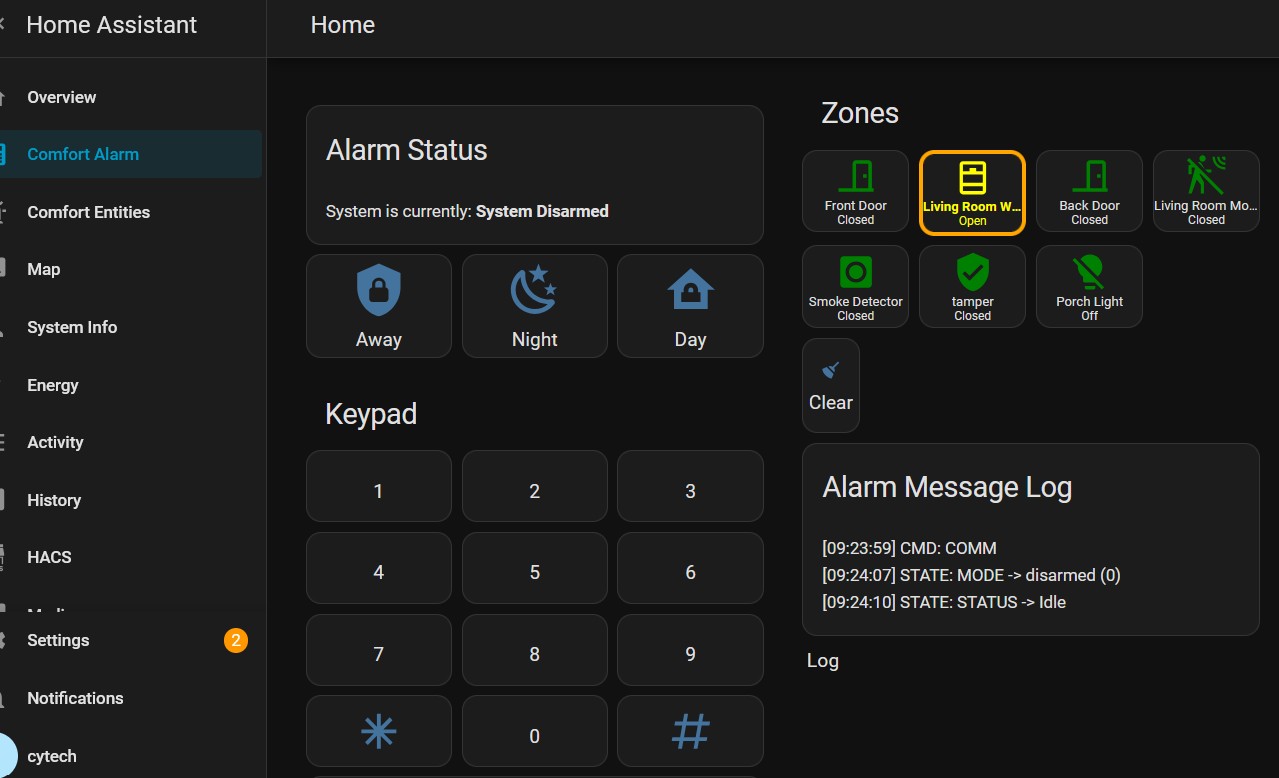
UCM 3 com error means the main CPU cannot see UCM3 - you have the selector set to 3 so that should be OK.

Best bet is to do 1st a rese on the UCM board (reset button visible in your photo)  a main CPU system reset or power down and back on.

In configurator (presume you will be using the latest version !) do a scan and see if the UCM3 appears (not greyed out !)
Reply

#3
Yes I've done all that. No success.
Reply

#4
Actually in Comfigurator its there but greyed out. Whern I do a scan it dissapears.
Reply

#5
(10-02-2026, 07:50 AM)DavidJ Wrote: Actually in Configurator its there but greyed out. When I do a scan it disappears.

What LEDs are lit on the UCMPi - it looks like ready (green), no error light.

Try disconnecting the UCM do a scan
Reconnect the UCM and re-scan
ALSO 
Update to latest Comfigurator and re-boot PC making sure you physically disconnect as well 
If it does not work the first time try several times if nothing then I think you may be into re-uploading the firmware by cable method - but best ask Chiu
Reply

#6
Try firmware upgrade using the UCM firmware upgradimg cable in case the firmware is corrupted

Check the red D9 and Green D10 leds on the ucm3 are blinking, the red led blinking means the UCM is replying to polls. IUf not the ucm may be deae

The alphawerks module m,ay be about 10 uyears old. Perhsp it is time to get the newe UCMA/Pi instead, see the forum thread at http://www.comfortforums.com/thread-5857.html

Reply

#7
(10-25-2026, 04:21 AM)slychiu Wrote: Try firmware upgrade using the UCM firmware upgradimg cable in case the firmware is corrupted

Check the red D9 and Green D10 leds on the ucm3 are blinking, the red led blinking means the UCM is replying to polls. IUf not the ucm may be deae

The alphawerks module m,ay be about 10 uyears old. Perhsp it is time to get the newe UCMA/Pi instead, see the forum thread at http://www.comfortforums.com/thread-5857.html


So Ive no idea whats going on really, lights seem to be OK, I get no, I do get occasional network connectivity to the Alphawerks RPI,  - all appears to be ok But I get a Communication error at the Keypad yet no ability to disable the UCM (as comfigurator cant see it) and therefore at least clear the error at the keypad. 
I dont want to throw more money at this "hoping" to resolve - I really want to upgrade the board to use the later comfort2MQTT but am not physically able to due to location of alarm. I cant seem to find a local installer (N.London/Herts} either. Any help appreciated or I'll need to remove the whole lot and rethink.
Reply

#8
The alphawerks UCM is probably faulty, and needs to be replaced by a newer model
send an email to support@cytech.biz to get some suggestions for installers who may be able to  handle this
Reply


Forum Jump:


Users browsing this thread:
2 Guest(s)

Powered By MyBB, © 2002-2026 Melroy van den Berg.